Content & media
Content types & entries
Collections, fields and their rules, entry pages, the database switch, data sources and shops.
A content type is a shape you describe once — the fields, what they hold, and what should be generated for it. Entries are edited in forms built from that shape, and everything ships as real files.
Content types
Under Content, a type has a name, a slug, and a list of fields. Two are built in: Title and Slug.
| Field type | Holds |
|---|---|
| Text | a short line |
| Long text | formatted text — headings, lists, links, pictures, videos, embeds and your components, written like a document |
| Number | a figure |
| Toggle | on or off |
| Image | a picture from the media library, with its alt text, focal point and resolution |
| Gallery | several pictures, each with its own alt text and focal point |
| Date | a calendar date |
| Date & time | a day and a time of day, like an event’s start |
| Link | a web address |
| Email / Phone | an address, a number to call |
| Color | a hex value |
| List of text | tags, bullets |
| Group | fields kept together |
| Repeating items | a list of entries, each with its own fields |
| Relation | links to entries of a type — another one or the same — one or several |
A group holds one record and a repeater holds a list of them. Both are keyed by field name in the emitted file, so a binding reads the same at any depth: {item.address.city}.
A field has a label and a key. The key is set from the label once, when the field is made, and it is what bindings, sorts and filters read — so renaming a label moves nothing. To change a key on purpose, use Change key… on the field’s menu: every binding, sort, filter and entry file follows it.
A date also comes as words: beside {item.date} every row carries {item.date_text}, the date written out in the site’s language, in the style the collection’s Dates setting picks — with the hour, for a date and time.
Entries in the hub
Each entry is a row. A click on its title opens the entry panel over the right of the table: every field, hidden columns too, its taxonomies and status, the way to its page, Edit fields and Delete. The arrows in its head step through the rows in the table’s order. A cell’s expand opens the panel at that field, and a double-click on a title renames it in the cell. The panel saves the way the cells do: a typed field when you leave it, a switch or a picture at once, a long text a moment after you stop typing — or in full screen, with Write in full screen.
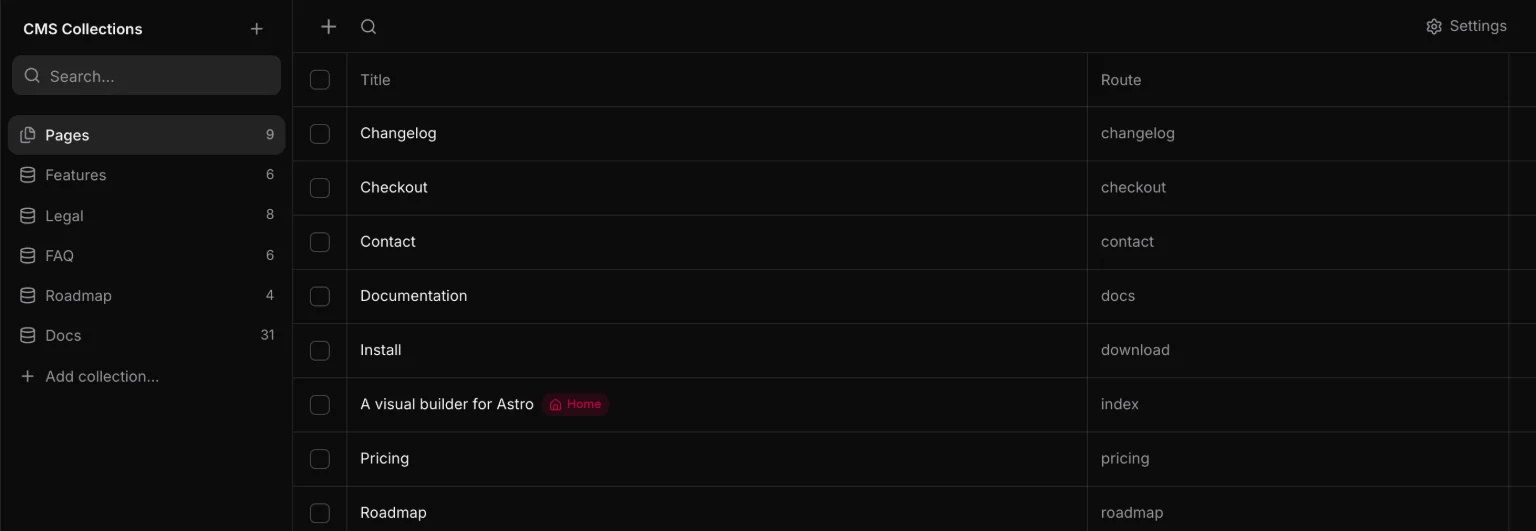
+ adds a row named Untitled with its title open to type in, and you stay in the hub. Pages are added the same way, and get the same panel with Title and Route: a new page’s route follows the first title you type, and the builder is a click away on the row.
Rules
A field can say what a finished entry must hold. Open the field in the type’s settings and switch on what applies: Required, Unique, a number’s smallest and largest value or whole numbers only, how long a text may be, and how many items a list, a gallery, a repeater or a relation may hold.
- Rules are asked when an entry goes live. A draft may break them. The table and the entry panel mark what is missing, and Set live says why it cannot be yet.
- A rule added later changes nothing that is already live. Those entries are marked, and Publish names them.
- Unique compares every entry of the type, drafts included, without case or outer spaces. An empty value never clashes.
- An entry an agent sends live that breaks a rule is kept as a draft, and the agent is told why.
On the site
A public type answers two questions at the head of its settings, under On the site, each with a switch, its address and a button that opens it on the canvas:
| Setting | Writes |
|---|---|
| Entry page | one design, edited on the canvas with {entry.title} where a page has text, and shipped as a page per live entry, from one route the type owns — at /journal/my-post (in a folder, the default), /journal-my-post or /my-post |
| Archive | an ordinary page the collection owns, made with a Loop over the type when you switch it on |
| Queryable | src/data/<slug>.json (for entry files, the reader src/data/<slug>.js) — the rows, which is what a Loop reads |
Until somebody designs it, an entry page shows the title, the first picture and the first long text, so a public type never links to a 404. A page of the project at an entry’s address wins — the entry simply is not written there. And a field is never added to the design on its own, since where it goes is a design decision: adding one to a public type offers to place it, and on the canvas Fields inserts any field already bound.
Taxonomies
A taxonomy is a named list of terms — categories, tags, statuses — attached to one or more types. A queryable taxonomy emits its terms as src/data/<slug>.json too, so a filter list is a Loop like any other.
On an entry, a taxonomy is a picker. In the emitted row it is an array of term slugs:
[
  {
    "title": "Harbor House",
    "slug": "harbor-house",
    "year": 2024,
    "category": ["architecture", "residential"]
  }
]
Beside the slugs, every row carries the terms by name — category_terms, a list of { name, slug } in the order they were ticked. A Loop over it prints {term.name} (Fields places one already bound), and a Filter turns a taxonomy into facets. In a database the ticks are kept in a join table, read and written with the row.
Relations
A Relation field links an entry to entries of a type — a course to its instructor, a post to related posts. Adding one asks what it Links to (another type, or the type itself), its Field name, and whether each entry has one or several.
Two-way gives the other type a field of its own that lists the entries linking to it, with its own name and its own one or several: an Instructor field on Courses gets a Courses field on Instructors. The two are a pair — link a course to an instructor and the instructor lists the course, unlink it and it goes, from either side. Two-way on the type itself links both ways in the one field, so a related post is related back. A one-way relation is stored on its own side only; a Loop can still list what links to an entry.
In the hub, a relation’s cell shows the linked titles, and a click opens a picker to search and tick entries, drafts marked. Drag the linked entries into the order a Loop repeats them in. A link to an entry that is gone shows as Missing and is left out of the site.
The field’s row in the type’s settings says what it is — → Instructors · many to one · two-way — and opens its settings, which change only in ways that keep every link: the type it links to while no entry links yet, one instead of several while no entry holds several, and two-way on or off. Off keeps the other field, one-way, with its links; on again pairs with that field rather than making a second one.
A link is the linked entry’s id, so renaming an entry’s slug moves nothing. In a data file or an entry file, one is the id or null and several is a list — "instructor": "k3j2l", "courses": ["a1", "b2"] — and both sides of a two-way pair hold their links, so whichever file you read shows them. In a database the links are a table of their own, in order, the way a list is kept. A relation is the same in every language, and is not offered inside a group or a repeater.
A relation can also be a field of a group or of a repeater’s rows: a team with one row per member, each linked to a person. There it is one-way, since a row has no page of its own to link back to.
Pages are a collection too
The same fields and taxonomies, attached to routes instead of entries — which is how a page gets a "featured image" or a "category" without inventing a parallel system. Nothing is written for pages until you ask for it.
A data file, entry files or a database
A type is stored as files by default — versioned, portable, static — in one of two ways. A data file, src/data/<slug>.json, holds every entry; Entry files keeps one file per entry in src/entries/<slug>/, Markdown when the type has a long text — the way an Astro site keeps its posts, and the easiest thing for an agent to write. A new type starts as a data file, and the first time it gets a long text sitereal offers to keep it as entry files instead — nothing moves until you say so. The site builds the same either way. Once a database is set up — under Settings → Database, or from Connections at the foot of the Content rail, which shows your files, the database and every data source in one place — a type can be rows instead: one switch, beside the hub’s search and under the type’s Storage, moves the entries across and back. It is libSQL (a local SQLite file needs no server and no account) or PostgreSQL, in a database that is yours — sitereal stores only the name of the environment variable that holds the address, and what lands on disk is an ordinary Drizzle project in src/db/. The hub edits rows exactly as it edits files.
A Loop reads the rows while the site is built, and so do a public type’s entry pages — a row added while the app is closed still gets its page at the next build. A static export still works: a changed row needs no commit, and a rebuild publishes it. That also means the build needs to reach the database — a host that builds from your repository needs the variable set to a database it can reach. Your site’s own Astro content collections — whatever content.config.ts declares, in Markdown, MDX, JSON, YAML or TOML — are listed in the Content hub to read and are picked by a Loop too, with nothing copied.
Data sources
Somebody else’s content is picked like a collection. Under Content → Sources you define one once — a CMS (EmDash or WordPress), a REST or GraphQL API, an RSS or Atom feed, a Google Sheet or CSV, a JSON file in the project, a list typed here, or custom code — test it where you define it, and pick it in a Loop. What lands on disk is one module per source, src/data/sources/<slug>.js, fetched while the site is built: the code you would have written, and it keeps building with sitereal deleted.
- WordPress and EmDash arrive as plain fields: titles, rich text, pictures, authors, terms, and custom fields from ACF, Meta Box and ACPT. WordPress needs no plugin; EmDash connects with one approval. Headless WordPress & EmDash has the whole setup.
- The companion plugins, one for each, are optional: they rebuild the site when a post is published, show new posts in sitereal without a refresh, and have a headless mode that keeps search engines off the CMS’s own pages. A CMS on your own computer works as a source too — a WordPress over https with DDEV, Valet or Herd.
- A page per row: a source can have an entry design like a collection, at
/news/<slug>, at the top level, or exactly where the CMS had it — links between posts follow, and the sitemap lists them. - Pictures come home: copy a source’s pictures and files into
public/media/sources/and they are served from your domain and resized by the build. Every publish copies again first. - Builds with the source down: keep the last rows in the build cache or in the repository, and an unreachable source builds from that copy.
- A secret is the name of an environment variable, never the value.
Shops
A WooCommerce, SureCart or FluentCart store is a source too. Its products are listed under Products in the Content rail, read from the store while the site is built. Open a store to see its products as a page receives them, switch on Entry pages for a page per product, and open its WordPress site for the connection and the shop’s pages. Products are edited in the store, never here. Shops has the whole of it.
Using entries on a page
A Loop over a content type binds {item.field_name} into the children you build. The canvas fills it with the real rows, so you are laying out actual content rather than an empty shell.