Content & media
SEO & site settings
Titles, structured data, robots.txt and sitemap.xml, legal pages, the error page, redirects and consent.
What a page says to a machine is derived, never stored twice. Titles, robots directives, structured data, robots.txt and sitemap.xml all come out of the site settings plus the page — and a value nobody filled in is not emitted, because an empty <meta> is worse than none.
Site
| Setting | Used for |
|---|---|
| Site name | the document title, og:site_name, structured data |
| Language | the html lang attribute; other languages are under Settings → Languages |
| Tagline / description | the default meta description |
| Region | og:locale, where a network wants de_DE rather than de |
| Theme color | the browser UI on mobile |
| Production URL | canonical links, og:url, the sitemap, structured data |
| Favicon, Logo | /public paths; the logo also goes into structured data |
Everything that needs an absolute address waits for the production URL. Set it under Settings → General before you publish.
Titles
One template, not a suffix retyped into every page:
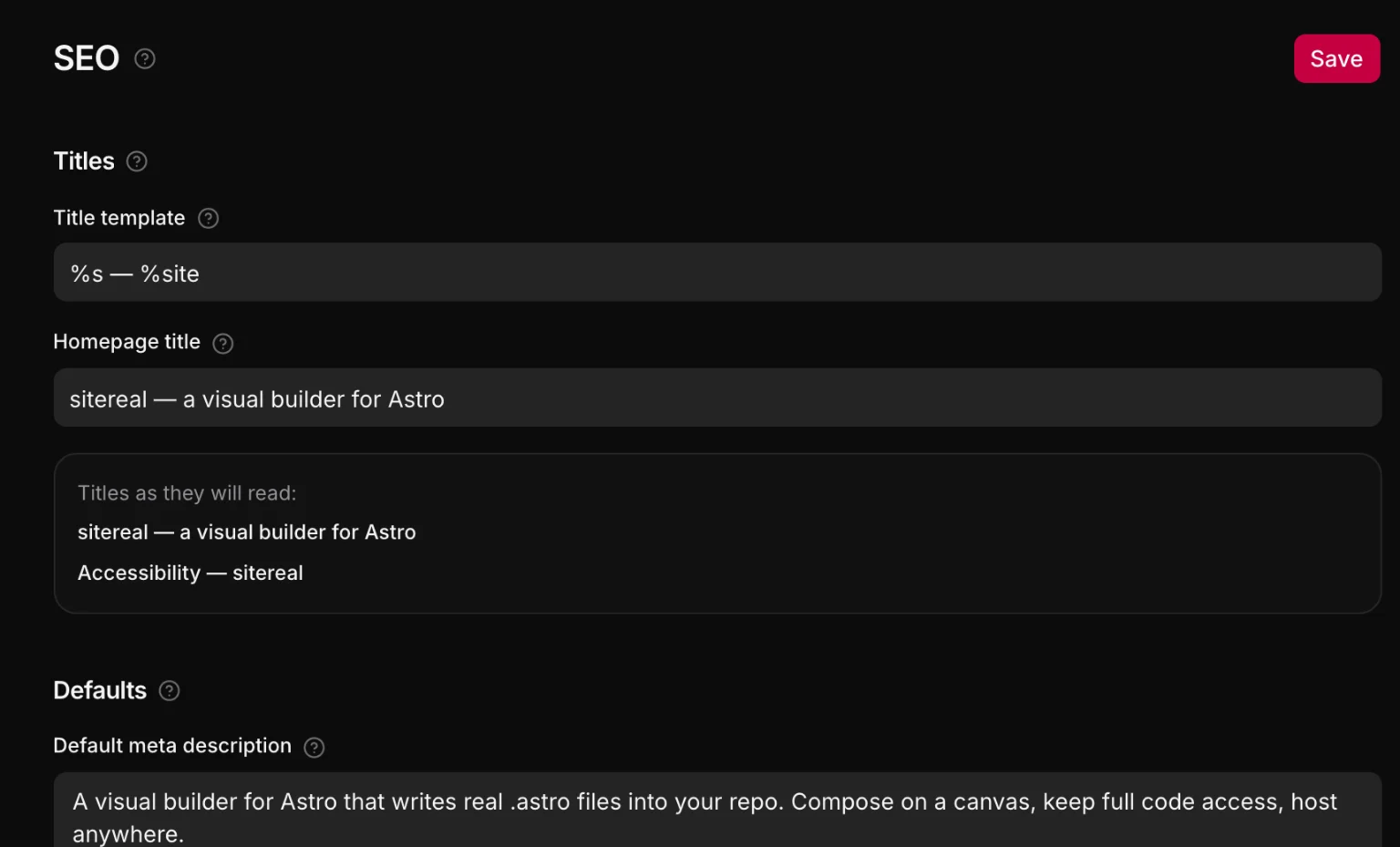
%s — %site → "Pricing — Harbor Studio"%s is the page's own title and %site the site name. The homepage rarely wants to be called "Home", so it has its own field. Renaming the site — or carrying a preset into another project — cannot leave the old name in every tab.
Per page
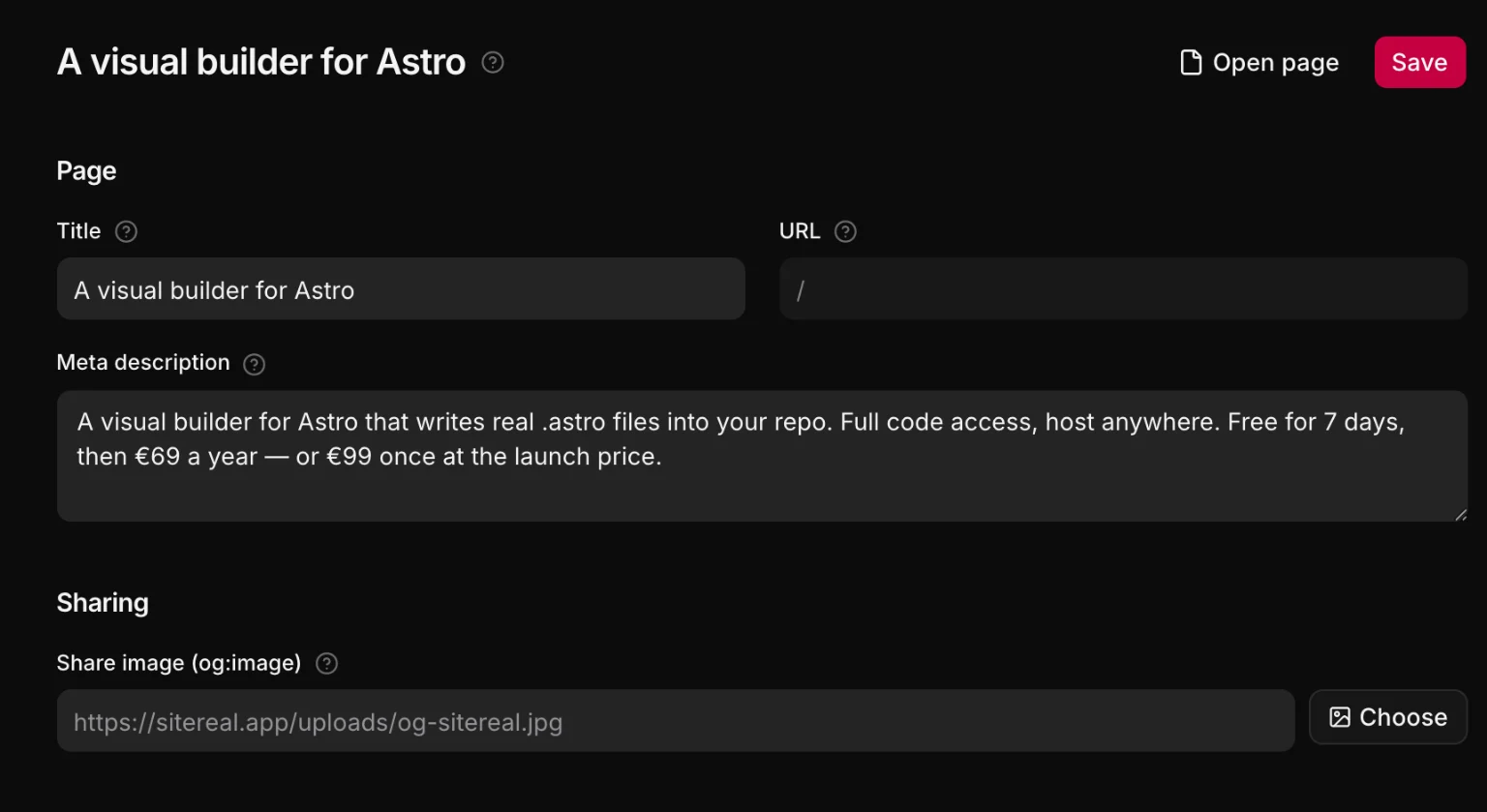
A page carries only the three things that are about it: its title, its description and its share image, plus a hidden from search switch that emits noindex, nofollow and drops it from the sitemap. They are in the panel with nothing selected, and for every page under Settings → Pages.
On a site in several languages each language’s page has its own title, description, address and canonical, and the head links the languages to each other with hreflang alternates and x-default, as the sitemap does. See Languages & translation.
Structured data
Fill in the publisher — name, kind (organization, local business or person), email, phone, address — and sitereal emits the JSON-LD for it alongside a WebSite node. A shop with an address is a local business; a portfolio is a person. Leave it empty and nothing is emitted.
robots.txt and sitemap.xml
Real files under public/, rewritten on every build and removed again when you switch them off. When a data source has entry pages, the sitemap is a route instead (src/pages/sitemap.xml.js), so it can list posts published after the last save:
# generated by sitereal
User-agent: *
Allow: /

Sitemap: https://example.com/sitemap.xml
They are only ever touched while they still carry the generated by sitereal marker. Take one over by hand — delete that line — and sitereal will never write it again.
You can append your own rules (a path to keep out of search, a crawler to turn away) and add verification tokens for Google, Bing, Yandex and Pinterest.
Where head tags come from
New head tags go through the layout's head slot, from the emitter — never into src/layouts/PlainBase.astro. That layout is copied into the project at scaffold time and is your file from then on, so a tag added to our copy would never reach a project made last month.
<Base title="Pricing" description="What it costs.">
  <Fragment slot="head">
    <meta name="robots" content="index, follow, max-image-preview:large" />
    <meta property="og:locale" content="en" />
  </Fragment>
  …
</Base>
If you want a tag on every page that sitereal does not emit, add a snippet with the head placement.
Legal pages, the error page and redirects
Settings → Legal says which of your pages is the imprint, the privacy policy, the terms and the cookie policy — references, never generated text. The head gets rel="privacy-policy" and rel="terms-of-service", and the consent banner links to whichever you named. Settings → Not found picks the page written to 404.astro; it is kept out of search and out of the sitemap. Settings → Redirects holds addresses that moved (301) and addresses that are gone (410 — the only answer that takes an old WordPress URL out of the index); they land in the static export’s .htaccess.
Consent
Under Settings → Consent the cookie notice is two popups — a banner and a preferences panel — that you style and edit like any other, plus a rule about what may run before they are answered. A tracker is parked until its purpose is granted: a snippet set to wait for consent, or an element whose embeds and scripts wait inside it. Nothing is granted by scrolling or closing, Reject all is as easy as Accept all, and a link anywhere — or an optional badge in the corner — reopens the choices.
The regime decides how it asks: GDPR asks first, US state law runs until somebody opts out and honors Global Privacy Control, and both takes the stricter. Scan lists the trackers the project actually loads, and whether each one already waits.