Building
Variables
Named values that become real custom properties, and the picker that finds them.
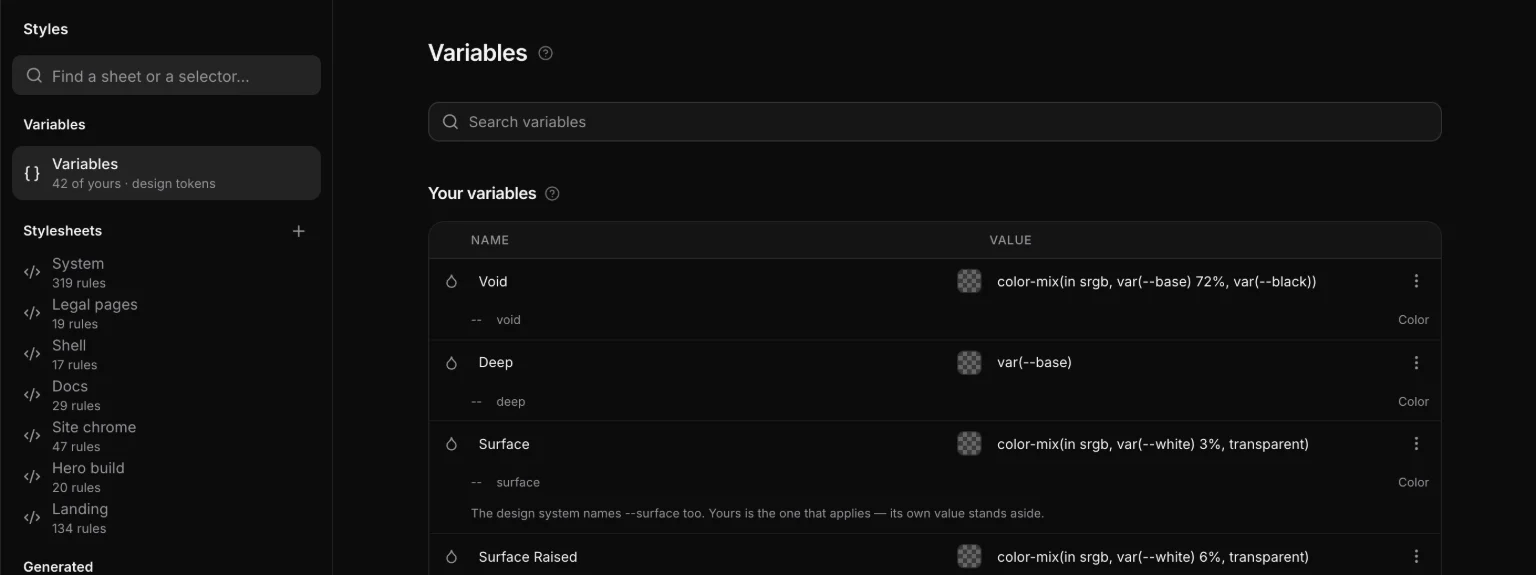
A variable is a named value the whole project shares: a brand color, a radius, a font stack. They live in Styles → Variables, and each one emits as a real custom property on :root, readable in devtools and usable from hand-written CSS.
:root {
  --brand-blue: #0a84ff;
  --card-radius: 14px;
  --font-display: 'Inter', system-ui, sans-serif;
}
The name is the property
A variable has one name, and it is the custom property: what you type is --brand-blue, and that is what every rule says. There used to be a display name beside it — two names for one thing — and there is not any more.
Types and folders
The type is what it holds — color, size, number, text or shadow — and it is the glyph at the head of the row: click it to change it.
A variable can be filed in a folder: drag it onto one in the rail, or use Move to → New folder… in its ⋯ menu. The rail is a tree over one table — All variables, Your variables with a row per folder, and Design system with a row per token group — and one search filters both halves. A folder exists as long as something is in it.
Using one
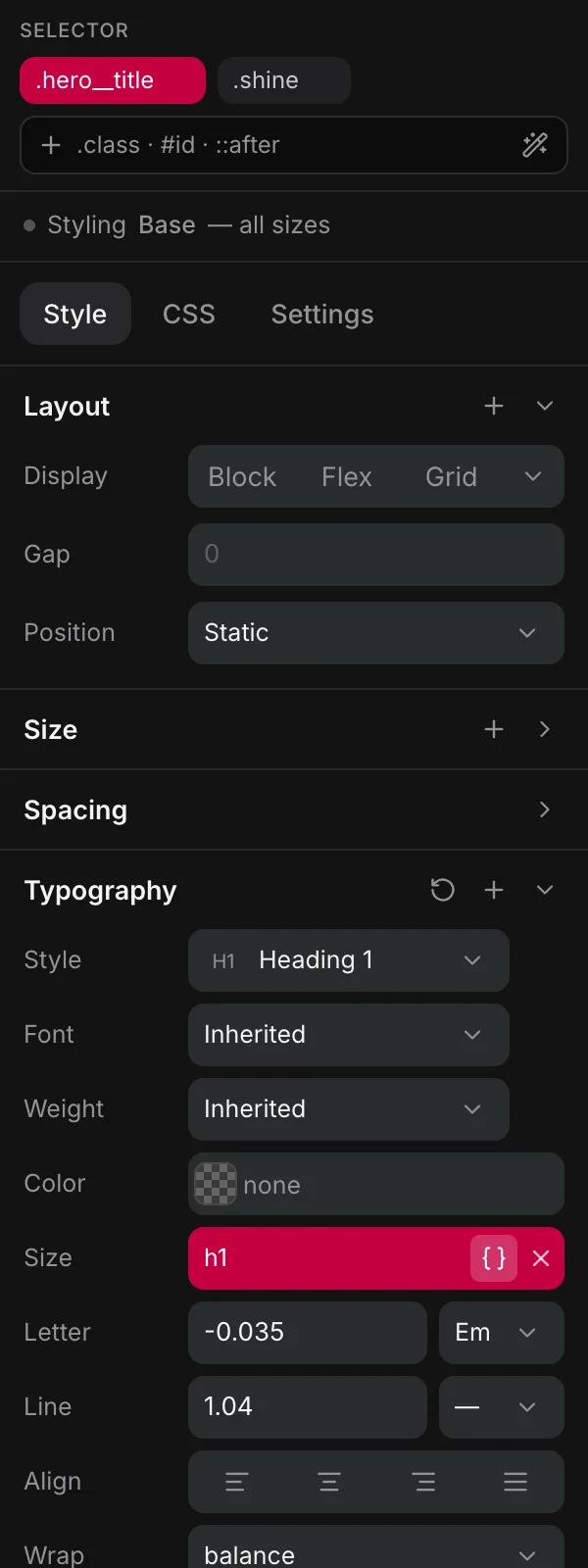
Any value field has a { } button. Bind it and the field turns red and shows the variable’s name instead of var(--…); hover to see the notation, because that is what the CSS says.
The picker is a panel, not a menu — a menu cannot hold a search field, and the first thing you do in a project with a design system is look for a name. So:
- Search, at the top.
- New variable, directly under it.
- Suggested — what answers this property: the spacing scale on a padding, the radii on a corner, the palette on a color, in scale order.
- Your variables.
- Design system — every other token, never hidden: an odd choice is still a choice.
One flat list underneath, so ↑ ↓ and ⏎ walk it without knowing about the bands.
Variables vs design-system tokens
| Design system | Variables | |
|---|---|---|
| Written by | the eighteen modules | you |
| Names | --space-m, --h2, --primary, --radius-m | anything |
| Changed in | Design | Styles → Variables |
| Good for | the scales a site is built on | the handful of values that are just yours |
If you find yourself typing the same literal into a third rule, it wants to be a variable. If you find yourself building a scale of them, look at whether the design system already has that scale.
Picking a token from the color control writes var(--…), never the hex it currently resolves to. That is the whole point: the value can change later and every use follows.